

Identify dominant colors.
The software analyzes the textures of the product and generates a list of dominant colors with their percentage distribution.
The software analyzes the textures of the product and generates a list of dominant colors with their percentage distribution.
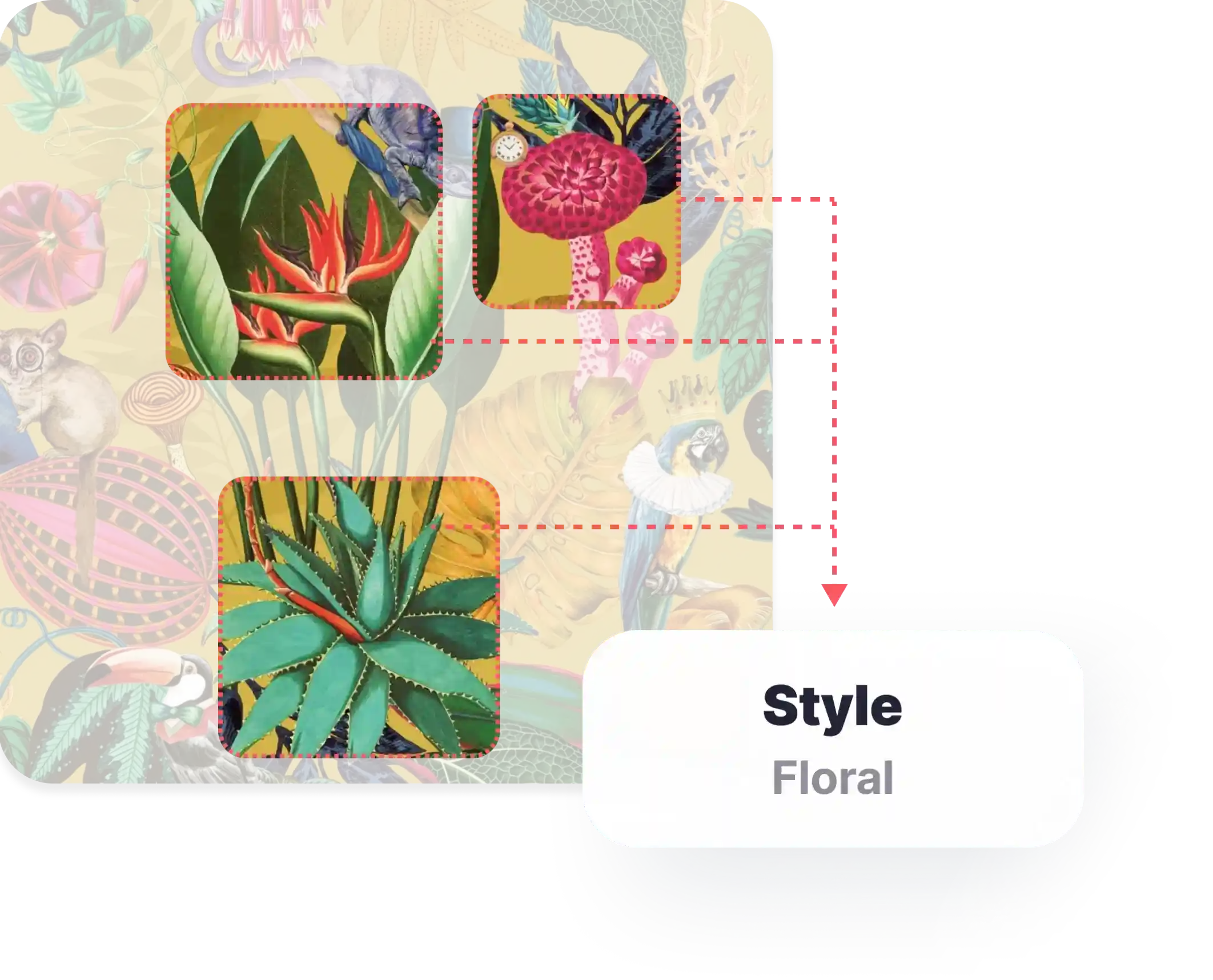
Detect product styles.
The software generates a list of styles with their percentage predominance based on product texture.
The software generates a list of styles with their percentage predominance based on product texture.

Auto-generate product descriptions and tags.
The software generates product descriptions and attribute-based tags from identified product properties.
Descriptions naturally include relevant keywords and product characteristics, improving on-site searchability and supporting SEO performance, while generated tags help organize and filter products within the catalog.
The software generates product descriptions and attribute-based tags from identified product properties.
Descriptions naturally include relevant keywords and product characteristics, improving on-site searchability and supporting SEO performance, while generated tags help organize and filter products within the catalog.


Product Visuals
High-quality product visuals in real interiors that preserve color, texture, and scale - boosting purchase confidence.

Product Videos
Short videos in real interiors. Show how products look and behave in context - driving faster, more confident decisions.

Interactive Panorama
360° interior scenes to explore materials in real spaces from every angle before purchase.

WALPA offer over 30000 products in scope, this tool turns our products into an intuitive experience for our customers. In the Wizart community, we can make connections with our suppliers, which saves time to update our product lines and develop more potential at the same time. The support team at Wizart is also incredible, they provide efficient and reliable assistance to address the difficulty before our official launch. We received some positive comments from the user, thank you and the whole team Wizart.

Information Technology Manager at AdaWall
We have been working with the Wizart AR solution for over a year now, both mobile application and web service. I must say it has been a great technology for our campaigns and commercials. As a wallpaper manufacturer, letting our clients use the solution with our collections and getting their feedback is very important to us. Wizart did not disappoint, and we have been getting many positive reviews. It works like a charm.

Marketing & Sales at Masureel
Thank you again for all the work you and your team have done. This service is really appreciated and hard to find nowadays

Head of Digital Marketing at Marburg:
We have been working with Wizart for about 2 years developing our configurator and app. We have always liked to have a service provider that not only meets our requirements but also has its own initiative and always presents us with new possibilities. We highly recommend the company.

Marketing and Administrative Manager at Rocky Mountain Decals:
Working with Wizart on our visualizer has been a pleasure. Their team is extremely quick and eager to make their program work for us. The visualizer has been a really welcomed addition to our website. It is very user-friendly and provides high-quality results for our customers.

Online Marketing Manager at Schäfer Tapeten:
In the past year or so that we have been working with Wizart, we were able to offer real added value to all levels in the supply chain: final customer, retailer, painter, floorer". The design and usability of Wizart are great and simple, and most of it is self-explanatory. In case you need help, the support works really fast and comes up with a good and feasible solution. I definitely recommend Wizart.

Marketing director at Stickwood:
We checked out many visualization tools, and Wizart's was the easiest to access and use for wall products. I've also been impressed with how engaged their support team is. It's been a valuable addition to our online sales tools.

Designer and Owner of Merenda Wallpaper:
Wizart has been a great partner to work with. They are super helpful, accommodating to my needs with attention to details. They have gone out of their way to help me incorporate their services on two of my websites over the years.
I highly recommend them and have had great feedback from my clients who use their services on my website.

Unveiling
MaterialCloud's Magic
Discover tools that turn your product data into stunning visuals - boost engagement and bring your brand to life. Read on to find the right solution!

9 Ways to Use Product
Renders: Online & Offline
In this article, we'll provide you with 9 ideas on how to effectively use product renders in both online and offline marketing. So, let's dive in!

How to Measure
3D Visualization ROI?
Learn how to effectively measure the ROI of 3D visualization and use those insights to strengthen your e-commerce sales strategy.